
macOS only
What you use, right beside your cursor.
PittoPalette is a macOS working palette that brings your text, images, URLs, commands and clipboard history within reach of the cursor.

macOS 14 or later / Mac with Apple silicon
- Text
- Image
- URL
- App
- Command
- History
Features
Everything you repeat, gathered into one palette.
Ring Menu
A radial menu that appears next to the cursor, so your hand and eyes never have to travel.
List Menu
Search across everything you have saved. A few characters narrow it to the one you meant.
Workspaces
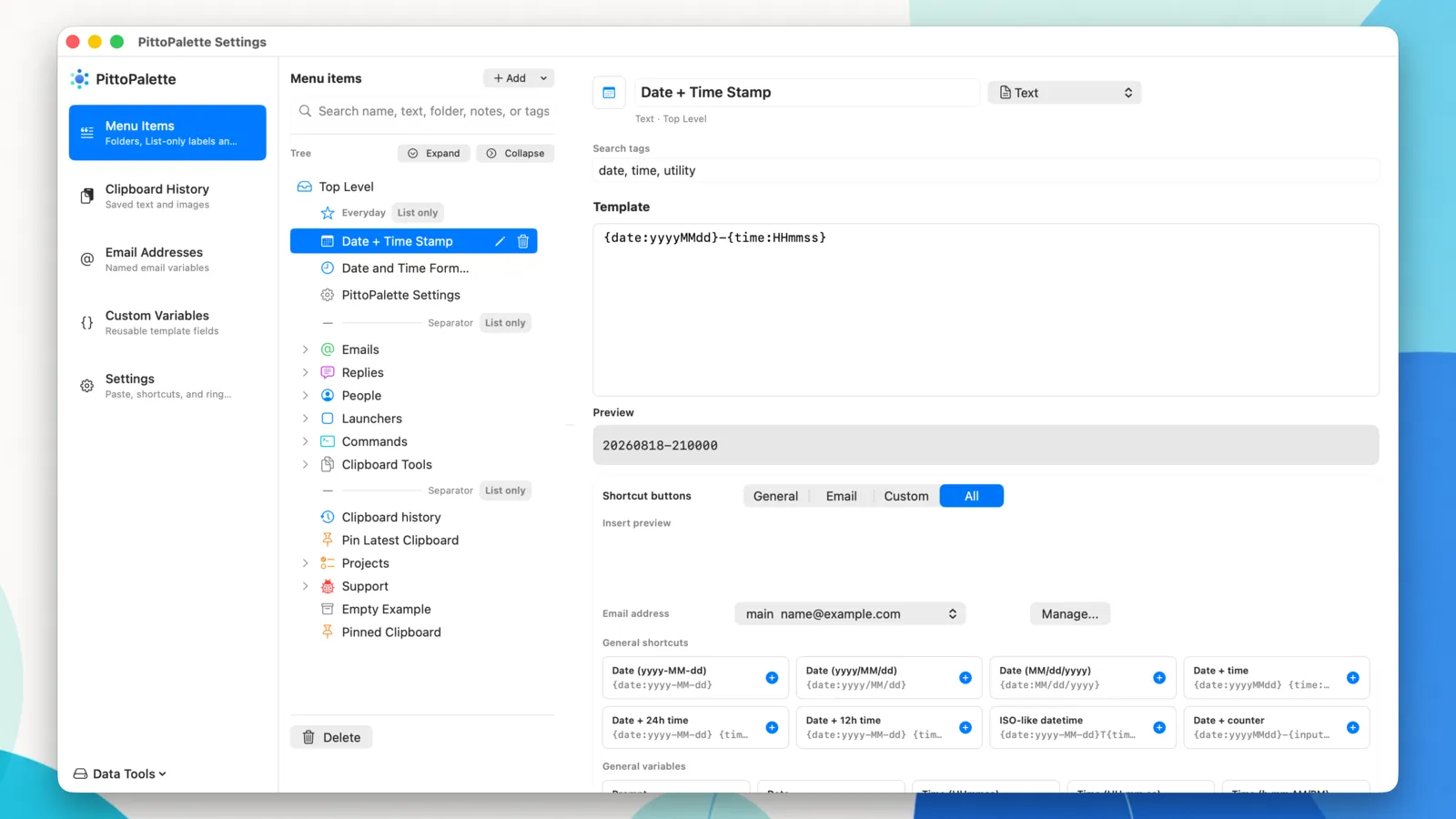
Group text, images, apps, URLs and commands per project, and switch between them.
Variables
Dates, prompts, mail fields, counters — reusable values expanded at the moment you insert.
Automatic pasting
A chosen entry goes straight into the app you are typing in. PittoPalette Helper, a free companion app, turns it on.
Launching apps
Register the apps you reach for and start them straight from the Ring Menu or the List Menu.
Opening URLs
Register the pages you keep going back to and open them in your default browser.
Clipboard history
Text and images alike, with per-app exclusions for anything that shouldn't be recorded.
Backup & restore
Local JSON, iCloud or a folder you pick. Move machines and your palette comes with you.
Demo
Call it up, pick one, keep working.
Privacy
Your data stays with you. You choose where it lives and what it may touch.
- Stored locally
- Saved items and history live on your Mac. Nothing is sent to a server by default.
- Only what's needed
- Permissions such as Accessibility are requested at the moment they're used, with an explanation.
- Exclusions
- Name the apps — password managers and the like — that should never reach your history.
- Your backup target
- Local JSON, iCloud or any folder. Restore from the same screen.
FAQ
- How is this different from Spotlight?
- Most launchers help you find and open what is already on your Mac. PittoPalette calls up the text, images, URLs, commands and history you curated, so you can return to the work in front of you.
- Does it replace a snippet app?
- There are no abbreviations to memorise. Items you arranged in a workspace are inserted by picking them from the Ring or List Menu.
- Does it handle images?
- Yes. Both clipboard history and workspace items support text and images.
- Do I need an internet connection?
- Core features work offline. A connection is only needed if you use iCloud backup.
- Is this a fidget spinner?
- No, but it holds its own against one. Fill it with the entries you actually use and it becomes your PittoPalette — and yes, it spins. Set the Ring Menu's Scroll speed to 5 under Settings > Menus and turn on Loop item lists, then hold an arrow key and it keeps going. Ideal for the dull stretch between two real tasks.
- What does it require?
- PittoPalette requires a Mac with Apple silicon running macOS 14 or later.

Remove the pause between thought and work.